

Getting started
/
Advanced tools: tool activation, selection, and entity visibility
5.1.1
In this video, we show you how to add and remove tools, how to use the Selection tools and view Selection Results, toggle the visibility of entities, save Entity Visibility settings to a Bookmark, and restore the visibility of hidden entities.



2.0.1
/
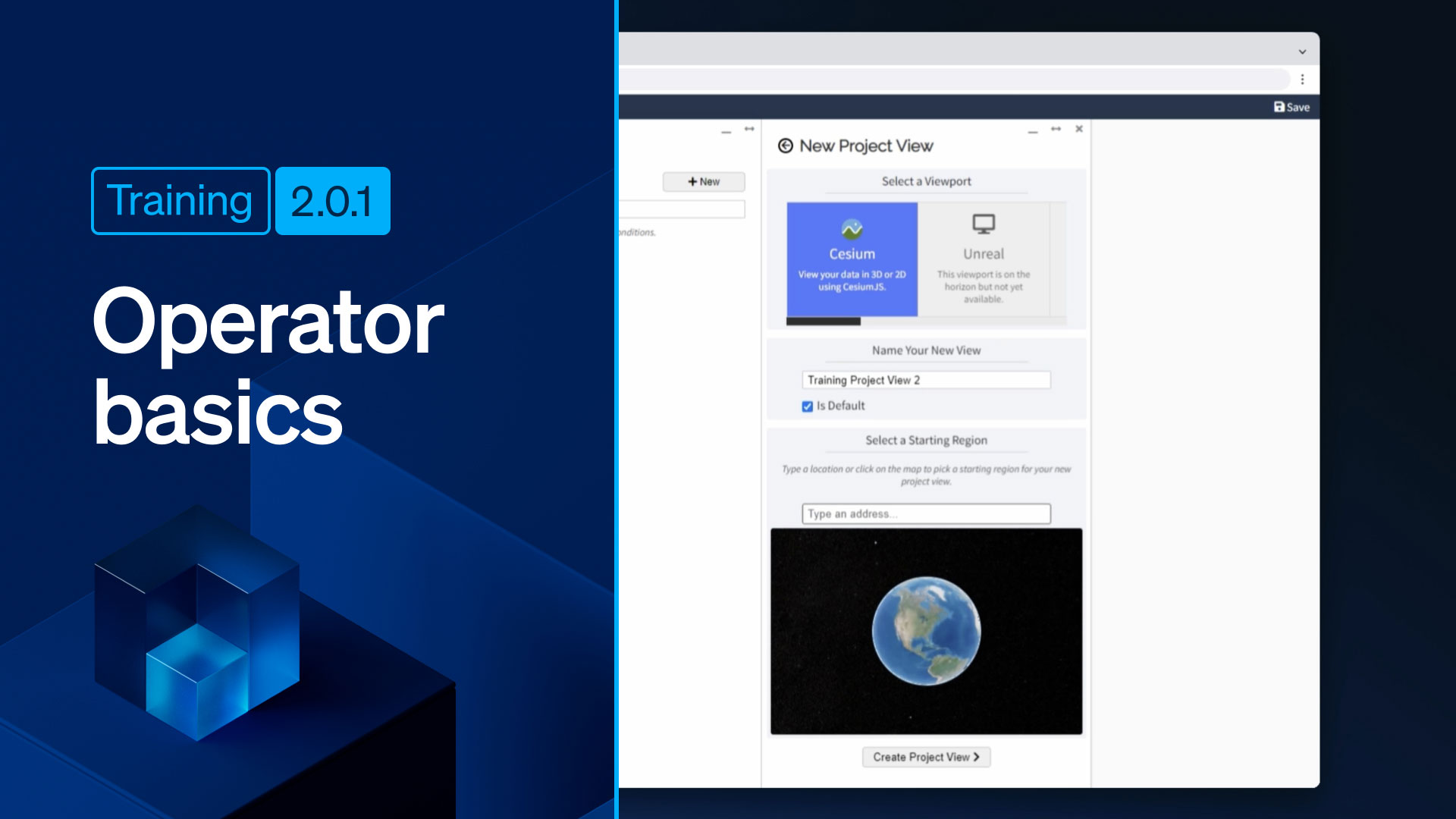
Operator basics: setting up a Project View
Learn how to create a new Project View, and assign a default location to that view in this session.

2.0.2
/
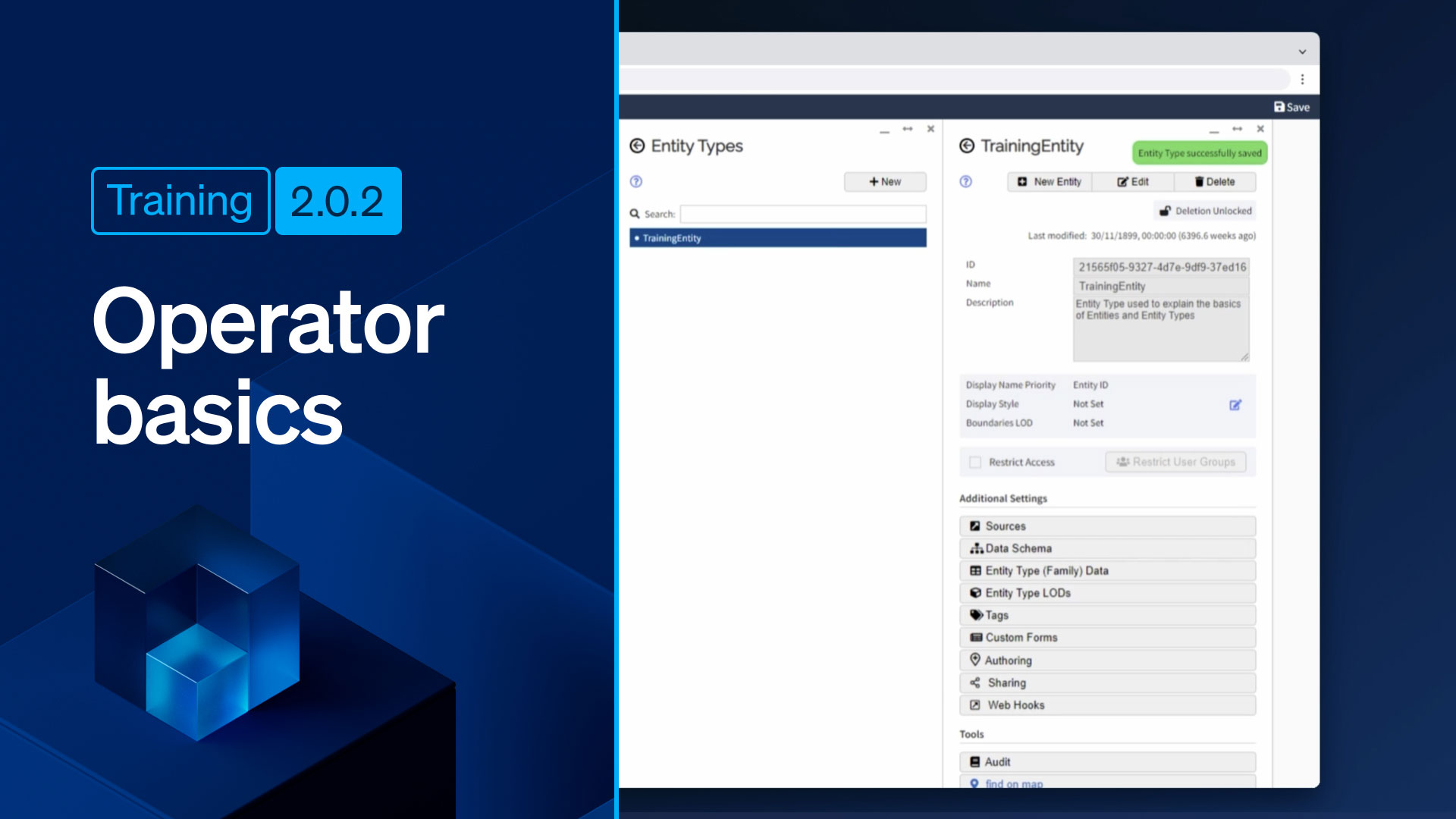
Operator basics: creating and configuring entities
Watch this video to learn how to create a new Entity Type, how to create a new Entity Menu Item (so that the entities of the new type are viewable in the Navigator), and how to configure an entity so the instance can be created in the Navigator.
2.1.0
/
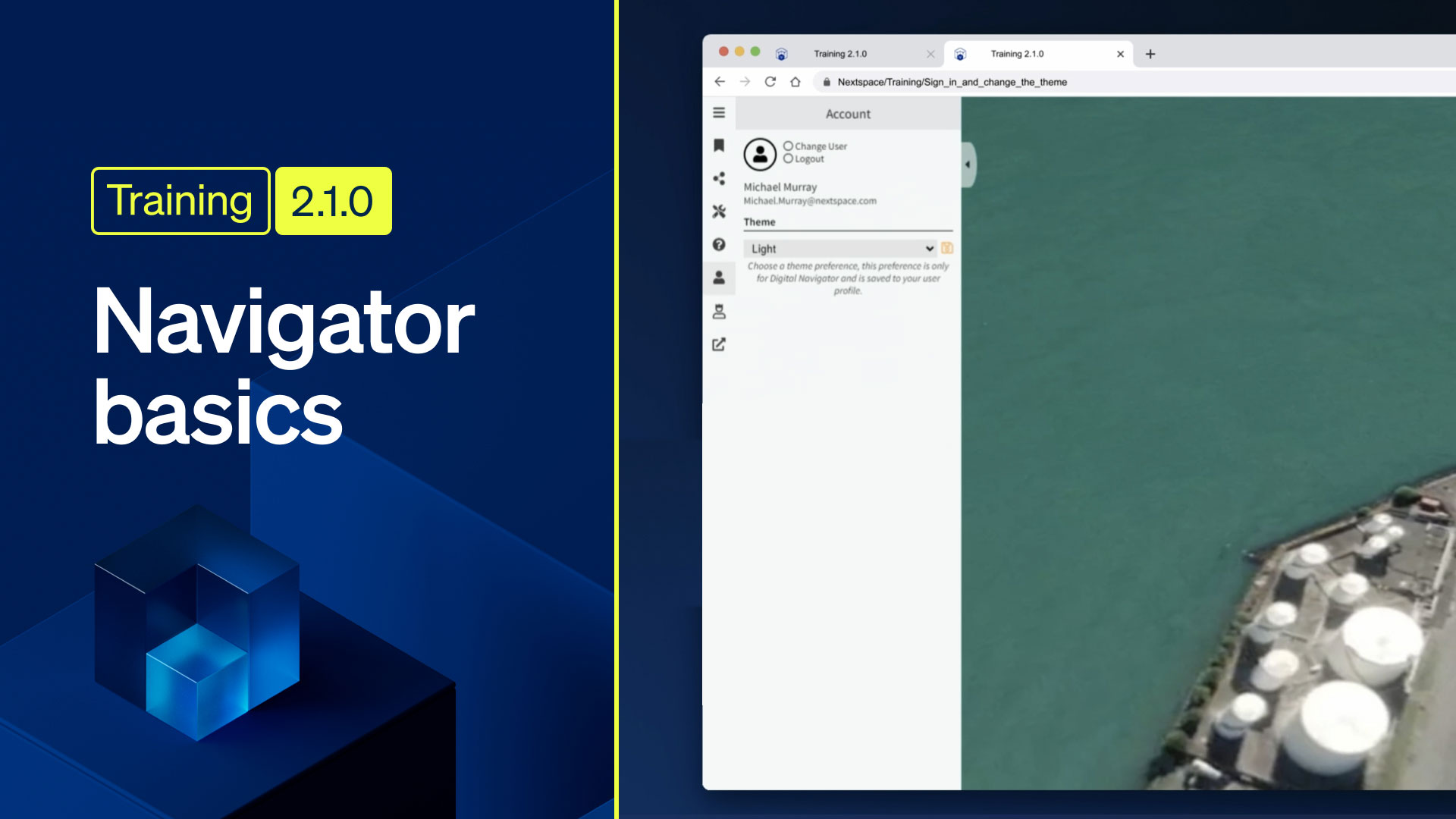
Navigator basics: sign in and change the theme
In this video you’ll be shown how to sign in and out of Nextspace Navigator, how to use the Account and Personalization Pane, and how to change the theme.