

Descriptive digital twins
/
Operator: importing and styling geographic data
7.0.1
In this video, we’ll show you how to import KMZ/KML files as Nextspace Entities, add an Entity menu item for the new Entity Type, edit the Default Menu Item entity style, and how to use the Entity Attributes to choose the color of the line geometry for this entity type when displayed via the new menu item.



2.0.1
/
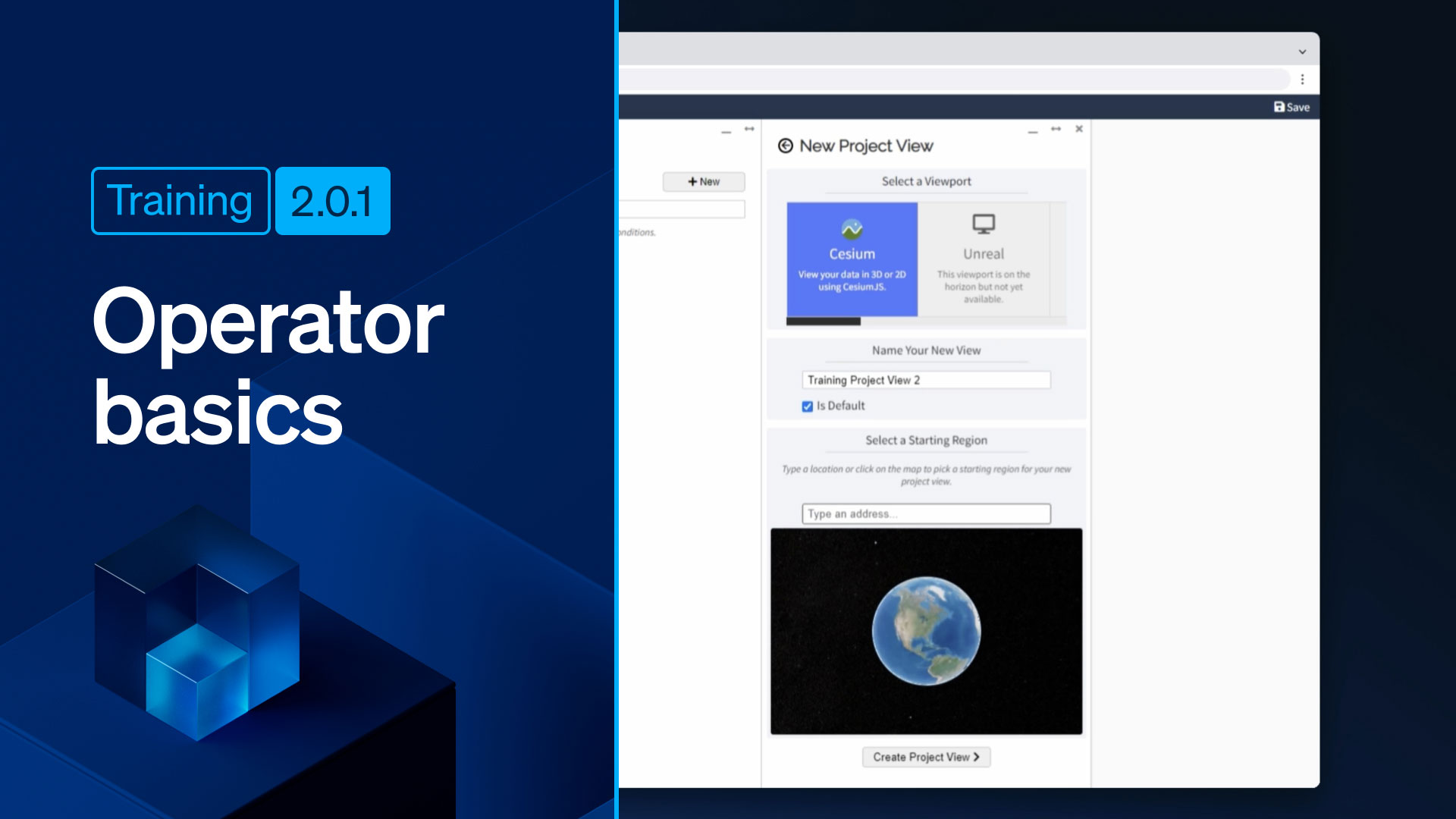
Operator basics: setting up a Project View
Learn how to create a new Project View, and assign a default location to that view in this session.

2.0.2
/
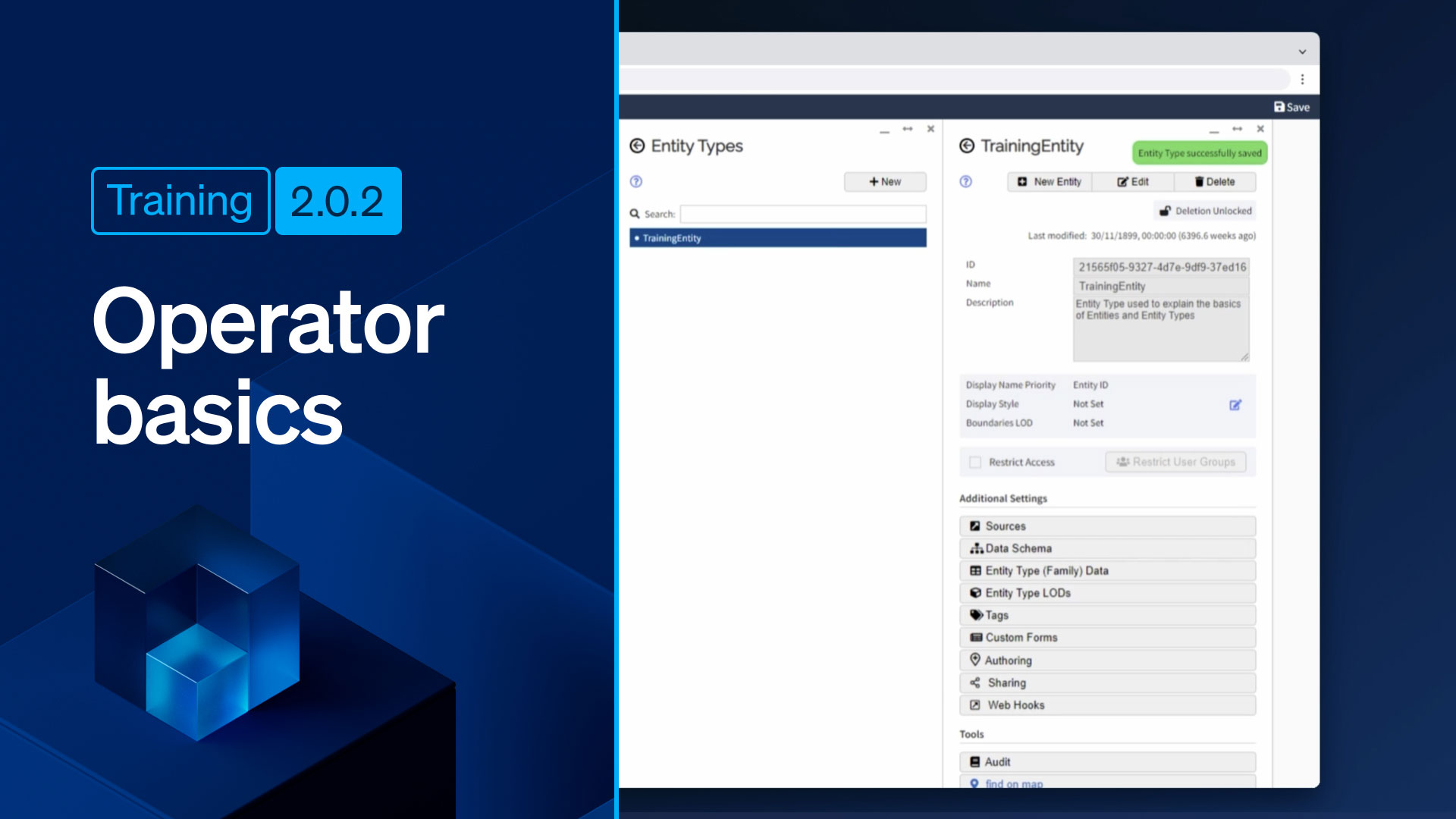
Operator basics: creating and configuring entities
Watch this video to learn how to create a new Entity Type, how to create a new Entity Menu Item (so that the entities of the new type are viewable in the Navigator), and how to configure an entity so the instance can be created in the Navigator.
2.1.0
/
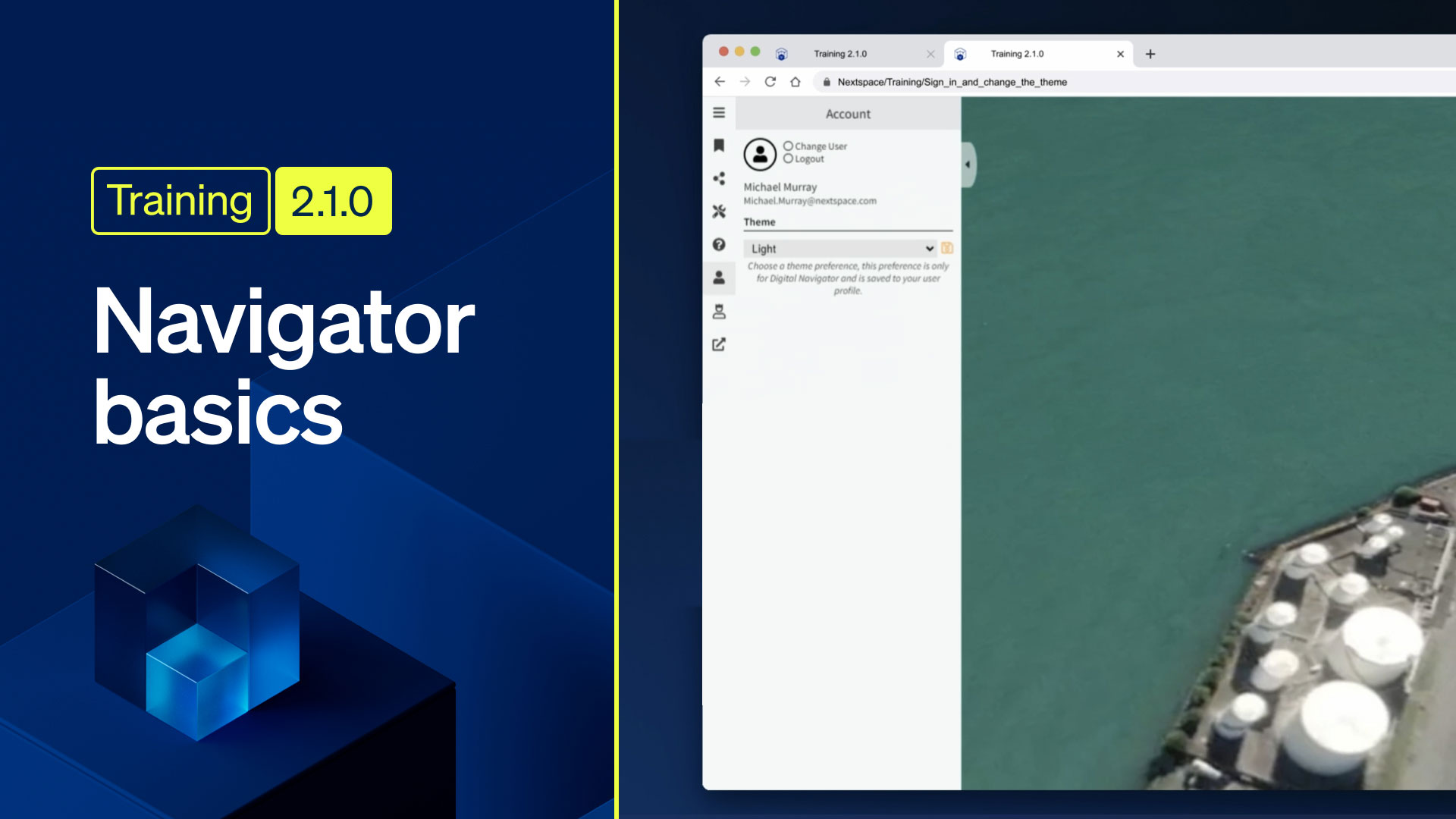
Navigator basics: sign in and change the theme
In this video you’ll be shown how to sign in and out of Nextspace Navigator, how to use the Account and Personalization Pane, and how to change the theme.